The Challenge
Understanding the problem
Users increasingly demand secure ways to hide sensitive files, photos, and personal data. Many existing vault apps suffer from confusing interfaces, weak encryption, or intrusive ads. This project strives to build a clean, intuitive, and privacy-centric vault application that makes storing and retrieving private content both safe and simple.
Ensuring strong encryption and secure storage for photos and sensitive files
Implementing biometric and password-based authentication layers
Designing a seamless user experience with minimal UI friction
Balancing privacy with utility features like photo view, file manager, and quick access
Delivering a responsive app that feels fluid even on low-end devices
The Solution
How I approached it
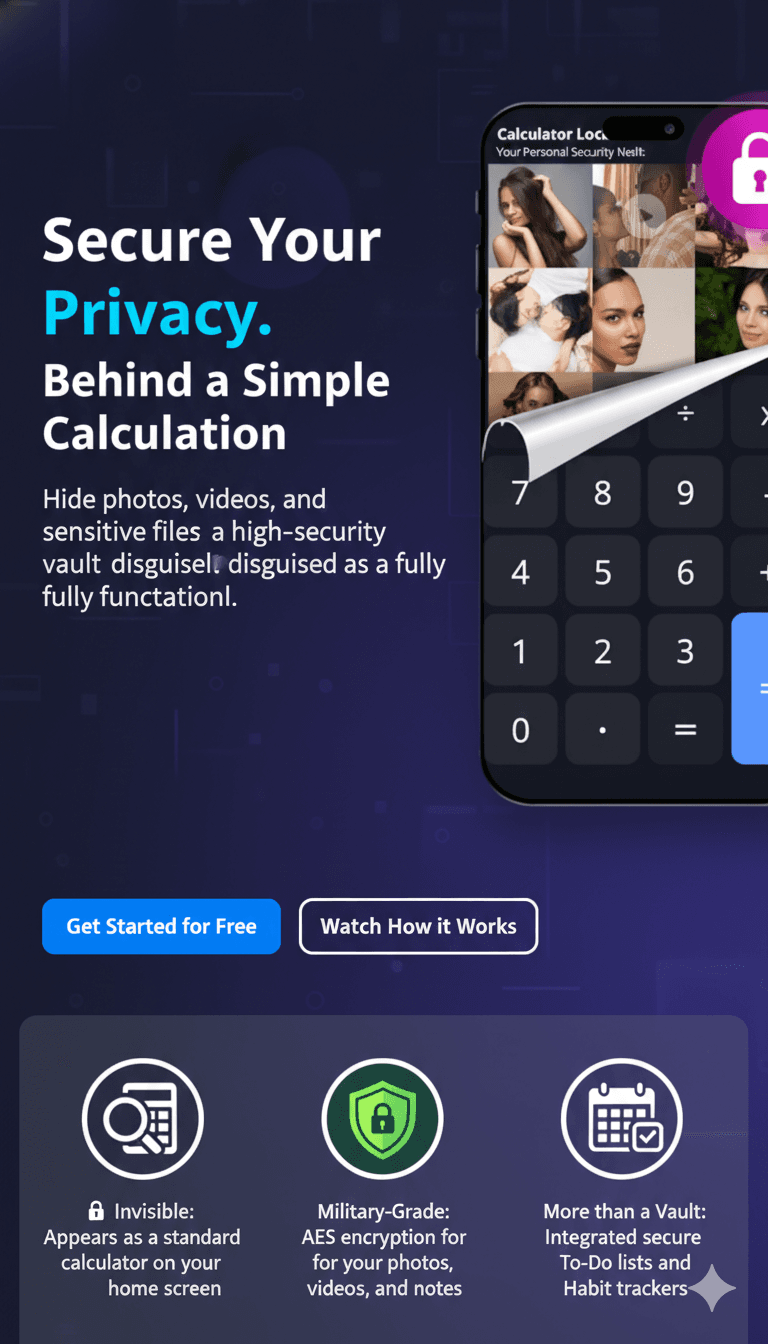
The Vault Privacy Utility app provides a secure environment for users to protect sensitive files and photos behind encrypted storage combined with biometric or password protection. Built with Kotlin and Jetpack Compose, the app balances a sleek UX with enterprise-ready security foundations, making privacy accessible to everyday users.
Key Features Implemented
Encrypted Storage
Files and media are stored locally with strong encryption, isolating them from regular file explorers.
Biometric + Password Lock
Users can unlock private content using fingerprint, face ID (when available), or custom PIN/password.
Secure Photo Viewer
Integrated image viewer that loads protected photos without exposing them to the system gallery.
File Manager & Organization
Sorting, folders, and tagging help users organize private content efficiently.
Optional Cloud Backup (Future)
Future-ready design for encrypted backup & sync (optional, secure) using Firebase.
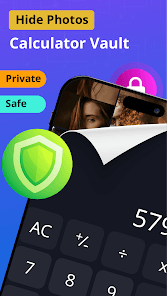
App Screenshots
A visual walkthrough of the app interface and key features
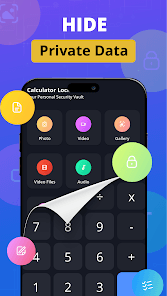
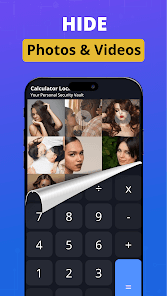
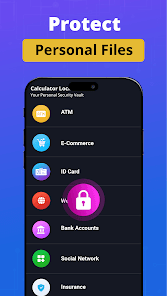
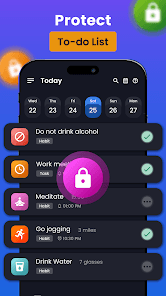
Development Process
How the project evolved
Product Design & Market Research
Studied common issues in existing vault apps — weak encryption, privacy leaks, confusing UI — and defined a better user experience.
UI / UX & Architecture
Created smooth screens with Jetpack Compose and designed an MVVM architecture that isolates encryption logic safely.
Core Feature Implementation
Developed secure file storage, biometric locking, encrypted galleries, and file management workflows.
Security Hardening & Testing
Tested encryption integrity, authentication flows, and edge cases like unauthorized access attempts.
Technology Stack
Tools and technologies used
Languages
UI
Architecture
Authentication
Storage & Sync
Project Results
Impact and outcomes