Smart Budget Manager
A simple, no-frills personal finance & budget tracking app
TECHNOLOGIES USED
The Challenge
Understanding the problem
Users often struggle to track their daily financial transactions and maintain a consistent budget due to complex or bank-linked apps that overwhelm beginners. Smart Budget Manager was built to simplify personal budget management with an easy, intuitive flow and minimal setup required.
Designing an intuitive flow that makes expense logging effortless and quick
Building efficient data storage to handle offline and real-time interactions
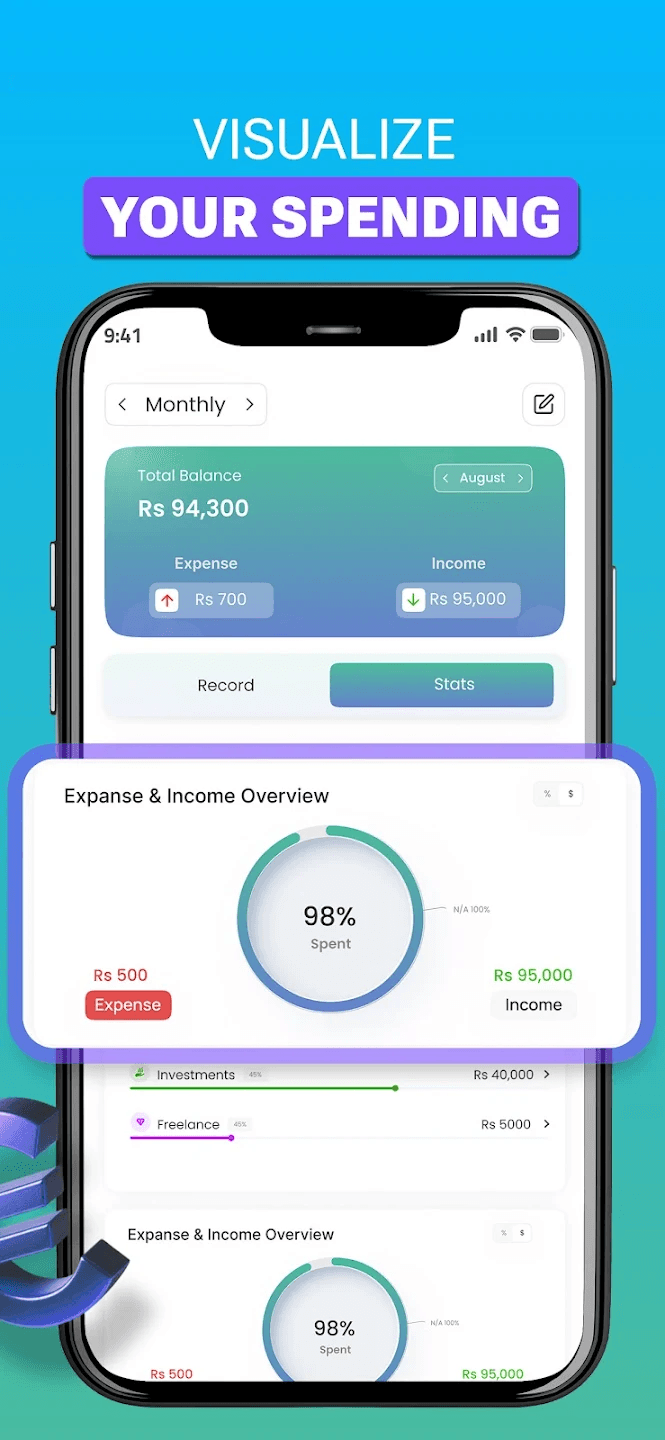
Creating clear visual insights (charts/graphs) to show spending patterns
Balancing simplicity and usefulness for both beginners and intermediate users
Structuring the app to work smoothly even on low-end devices with minimal lag
The Solution
How I approached it
Smart Budget Manager focuses on simplicity and utility — users can log incomes and expenses, set budgets, and see visual summaries of their financial data via clean charts. The app empowers users to make better financial decisions without forcing bank sync or login friction.
Key Features Implemented
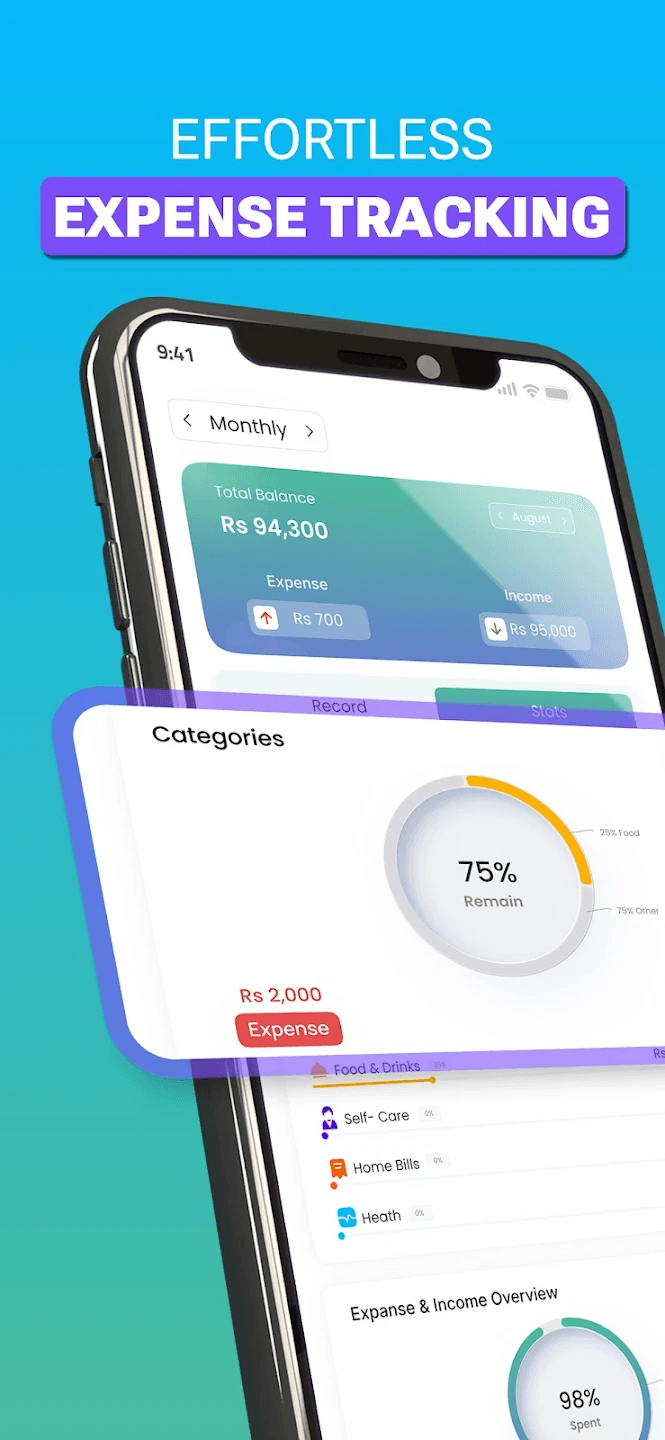
Instant Expense & Income Logging
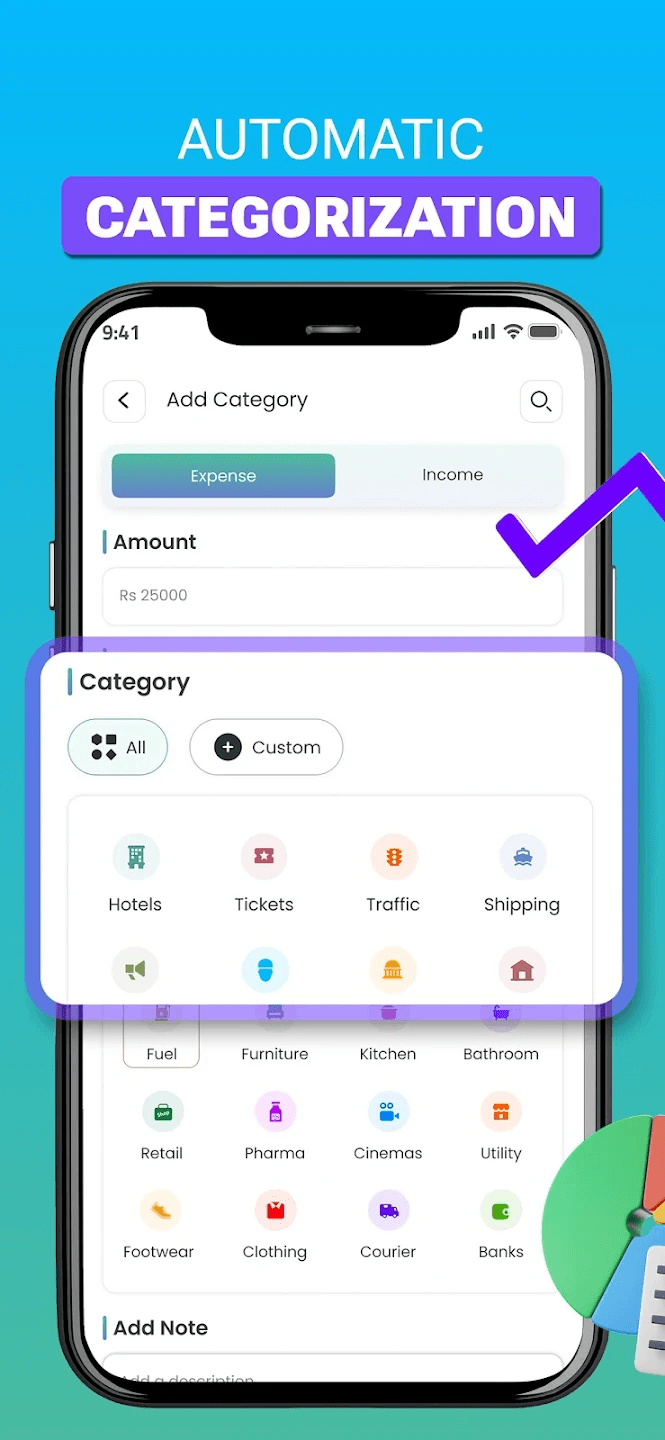
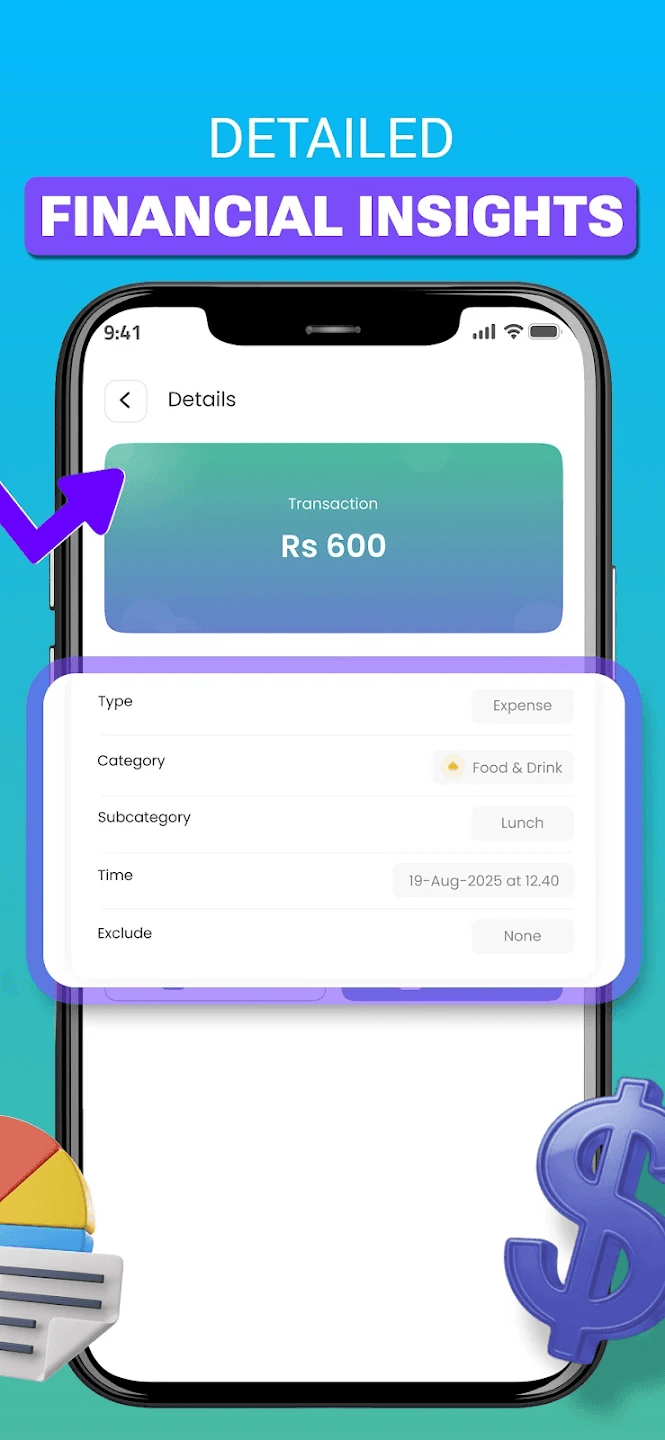
Users can add a transaction with just a few taps, choosing categories, dates, and optional notes.
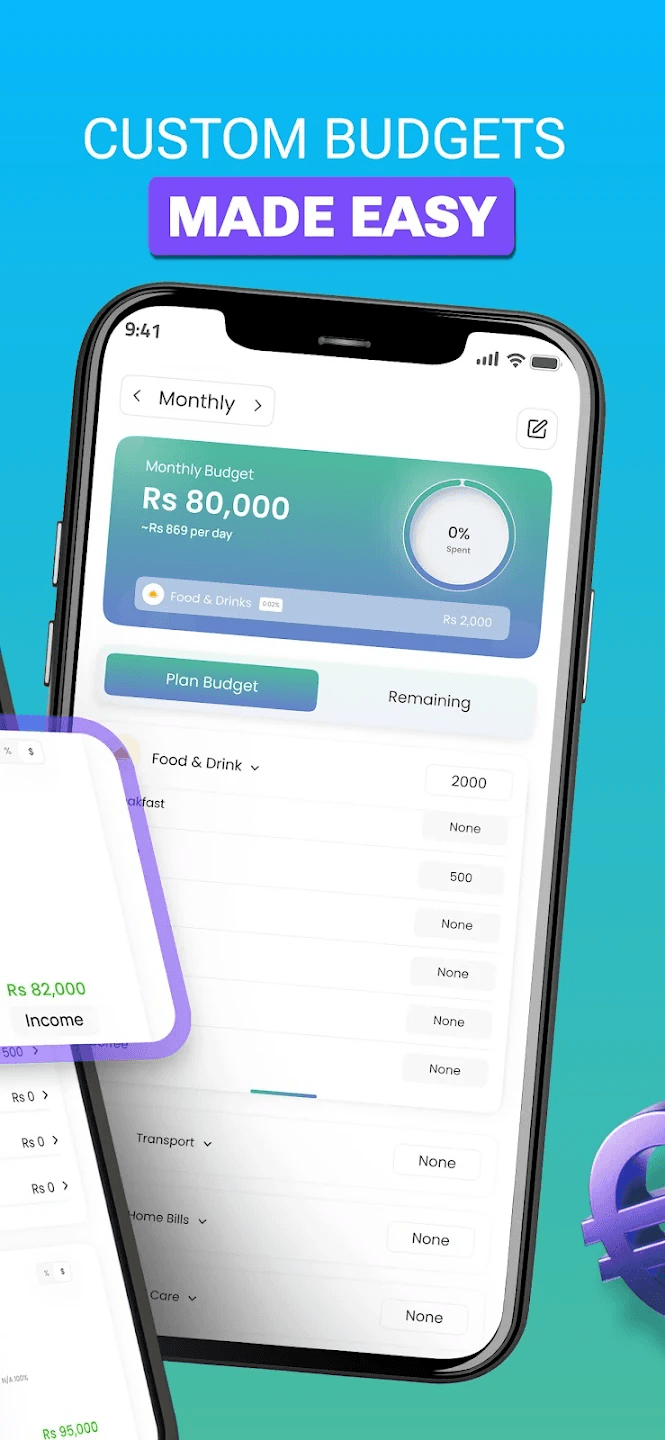
Budget Creation & Alerts
Set monthly budgets for categories (e.g., Food, Transport, Bills), with alerts when thresholds are reached.
Visual Spending Insights
Interactive pie charts and bar graphs give users quick clarity on where their money is going.
Custom Categories
Users can customize spending categories to match their lifestyle needs.
Offline First Experience
All data is stored locally using Room so the app remains fast and usable without internet connectivity.
App Screenshots
A visual walkthrough of the app interface and key features
Development Process
How the project evolved
Discovery & Planning
Researched user pain points with existing budgeting tools and identified the need for a simple, approachable finance app.
UI/UX & Architecture
Designed a minimal UI in Jetpack Compose and planned an MVVM structure with Room database for persistence.
Core Development
Built core features: transactions, budgets, visual summaries, and category management.
Optimizations & Testing
Focused on UI smoothness, data integrity, offline performance, and visual accuracy of charts.
Technology Stack
Tools and technologies used
Languages
UI
Architecture
Charts & Visualization
Project Results
Impact and outcomes